GIF maker
Animate a photo into a looping GIF.
Pick a motion (zoom, bounce, shake, pulse, spin or glitch) or loop several photos into one GIF. It all runs in your browser: no upload, no sign up, no watermark.
- Free, no account
- Runs in your browser
- No watermark
Bounce
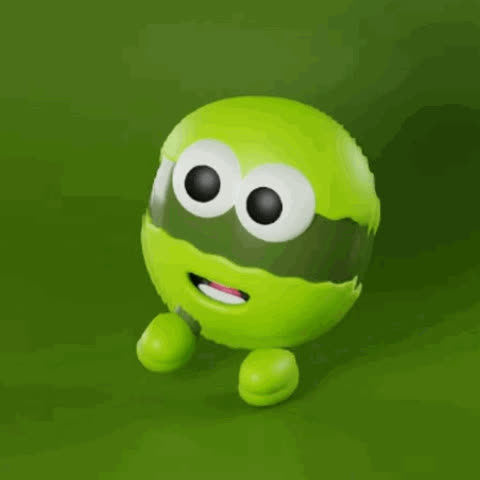
A photo that moves, anywhere a GIF plays
Six motions for one photo, or a loop of several. Every GIF is 480 × 480.
Chats and reactions
A bouncing or shaking photo says more in a group chat than a still one.
Social posts
Loop a few photos from the same moment into one GIF, or play them back and forth as a boomerang.
Product and promo
A gentle zoom or pulse on a product shot catches the eye in an email or a listing.
How to animate a photo into a GIF
Three steps, all in this tab. Need a cut-out with a transparent background instead? That's the Telegram sticker maker.
Step 01
Add a photo
JPG, PNG or WebP. Keep the subject near the middle — the GIF is a square crop of the centre.
Step 02
Pick an effect and a speed
Zoom, Bounce, Shake, Pulse, Spin or Glitch; 8–30 fps. Boomerang is optional and doubles the frames.
Step 03
Make GIF, then download
Frames render in your browser in seconds and save as animation.gif — ready for Telegram, Discord, Slack or a README.
Two modes
Animate one photo, or combine several into a slideshow — same page, one toggle. Starting from a video instead? Use the MP4 and video to GIF maker.
Animate one
Six effects, 8–30 fps, boomerang
One shared palette, so no flicker.
Combine several
2+ photos, 0.2–1.5 s each
In order, or forward-then-back with Boomerang.
Output
480 × 480 GIF
Centre crop. No size control yet.
Cost
Free, no sign-up
No watermark, no limit.
Six effects for a single photo
Zoom GIF maker →
Slow push-in and back.
Suits: Portraits, product shots, album covers.
Bounce GIF maker →
Two hops per loop.
Suits: Mascots, pets, faces.
Shake GIF maker →
Handheld jitter on two rhythms.
Suits: Memes and reaction GIFs.
Pulse GIF maker →
A gentle heartbeat swell.
Suits: Logos, hearts, anything that should breathe.
Spin GIF maker →
One full turn per loop, corners hidden.
Suits: Badges, records, wheels — not horizons.
Glitch GIF maker →
RGB split plus torn slices, seeded so it repeats.
Suits: Posters, cyberpunk, error-screen jokes.
Every effect loops without a jump. Boomerang is optional: it plays the loop forward and then in reverse, which doubles the frames. To make one from a burst of photos, use the boomerang GIF maker.
Your photo is never uploaded — check it yourself
The encoder (gifenc, open source) downloads once and runs in your browser. Your photo is read into a canvas, frames are drawn, the GIF is encoded and offered as a download. There is no upload endpoint for this tool.
Step 01
Open the Network tab
Developer tools (F12) → Network.
Step 02
Click Make GIF
No request carries your image. The first run loads one small script: the encoder.
Step 03
Go offline, try again
Switch Wi-Fi off and make another GIF. It still works.
The page loads ordinary page-view analytics with no image data. The 3D photo tool works differently on the free plan — see the privacy policy.
Gifsy vs ezgif, Imgflip and Canva
Including where Gifsy is more limited: square 480 px GIF only, no APNG, WebP or transparency. The full comparison, with Kapwing, 3dgifmaker and gifmake: best free GIF makers for photos.
Gifsy
ezgif
Imgflip
Canva
Uploads your photo
No
Yes, deleted after 1 h
Not stated
Yes, to your account
Watermark on free
No
No
Yes
No
Account to download
No
No
No
Not required, per its page
Effects for one still photo
6
5, on a separate page
None (slideshow only)
Design animations
Boomerang from stills
Yes, one step
Two steps (reverse tool)
Not found
Not found
Output size
480 px square only
Up to 1920 px
360 px max on free
864 px on free
Which photos animate well
- Works best
- Subject in the middle third — the crop is square
- Zoom and Pulse: one clear subject with room to push into
- Bounce and Shake: faces, pets, mascots
- Spin: round or symmetric things
- Glitch: high contrast, saturated colour
- Works worst
- Wide panoramas — the ends are cropped off
- Under 480 px on the short side — the crop upscales and goes soft
- Busy, low-contrast photos — grainy after the 256-colour reduction
- Spin on horizons or skylines
- Mixed orientations in Combine — the white letterbox flashes
Questions
01Is the GIF maker free?
Yes. Always free, no sign-up, no watermark, and no limit on how many GIFs you make. The only paid thing on Gifsy is credits for the separate 3D model tool.
02Does it add a watermark?
No. The file you download is exactly the GIF you see in the preview, with nothing added.
03Where do my photos go?
Nowhere. The photo stays in your browser tab: the frames and the GIF are built by JavaScript on your device. There is no upload endpoint for this tool — you can confirm that in your browser's Network tab.
04What size is the GIF, and can I change it?
480 × 480 pixels, square, centre-cropped from your photo. There's no size control yet, so if you need a different shape, crop the photo first. Chat apps and READMEs are fine with 480 px; emoji-sized targets will need a resize after export.
05What does the speed slider actually change?
The delay between the 30 rendered frames, not the file size. 8 fps gives a loop of about 3.8 seconds, 20 fps about 1.5 seconds, 30 fps about 1 second. File size comes from pixels, palette complexity, and the boomerang toggle, which doubles the frame count.
06What's the difference between boomerang and reverse?
Reverse plays a clip backwards. Boomerang plays forward and then backward inside one loop. It's off by default: every effect already loops without a jump, and Boomerang doubles the frames, so the file roughly doubles too. Turn it on for Spin or Glitch to make them rewind. In Combine mode, turn it on with three or more photos from a burst and you get a boomerang with no video.
07Can I make a transparent GIF from a transparent PNG?
Not with this tool today. Transparency isn't written into the GIF, so transparent areas come out as a solid background. For a cut-out with a transparent background, use the sticker maker instead.
08Can the photo move in real 3D instead of a flat zoom?
Yes — that's Gifsy's other tool. The 3D photo maker estimates depth from the photo and renders a parallax scene you can spin and embed on a website. It's free and unlimited with no sign-up too, and works differently from the GIF maker, including how it handles your data.
Guides
- How to animate a photo into a GIFWhich effect for which photo, with measured file sizes.Read it
- GIF size limitsDiscord, X, Slack, GitHub and email, from their own docs.Read it
- Burst photos to a GIFA phone burst into a loop or a boomerang, no app.Read it
- Free GIF makers comparedSix tools, including where Gifsy loses.Read it
Make it move in real 3D
A Zoom GIF scales the whole picture. A 3D photo separates the subject from the background and lets a visitor tilt or spin it on the page — real parallax from one photo, within about ±20°, best with a clear subject on a simpler background.
More from Gifsy.
Every tool but 3D models runs in your browser, free.
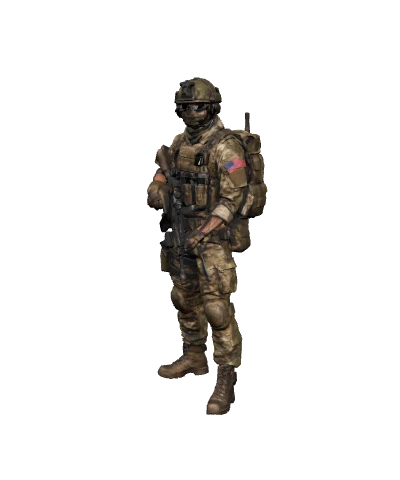 2 free3D model makerA photo or text into a textured GLB, rigged for characters.Open it
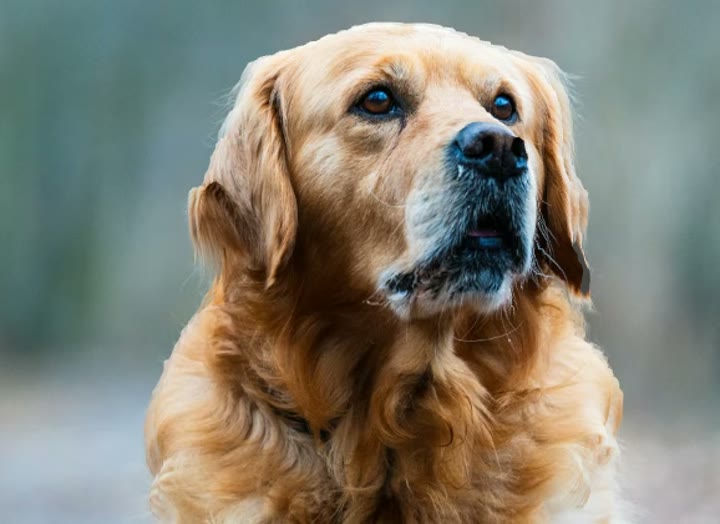 Free3D photo makerOne photo into a parallax scene you can embed on any site.Open it
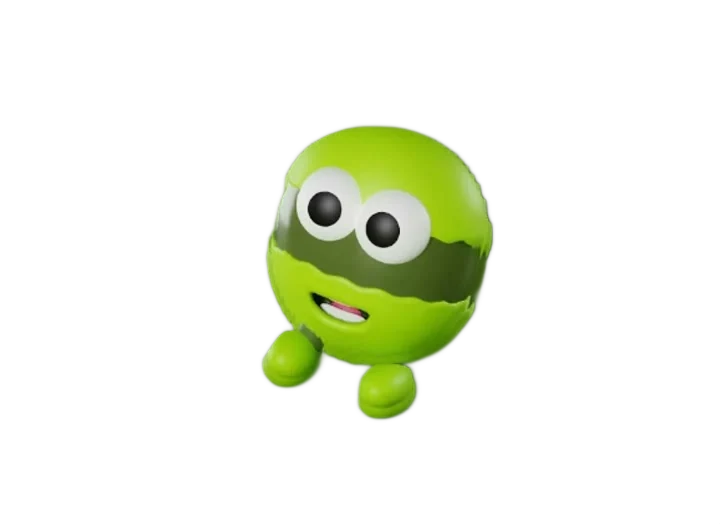 FreeTelegram stickersAI cut-out with an outline, exported at 512×512.Open it
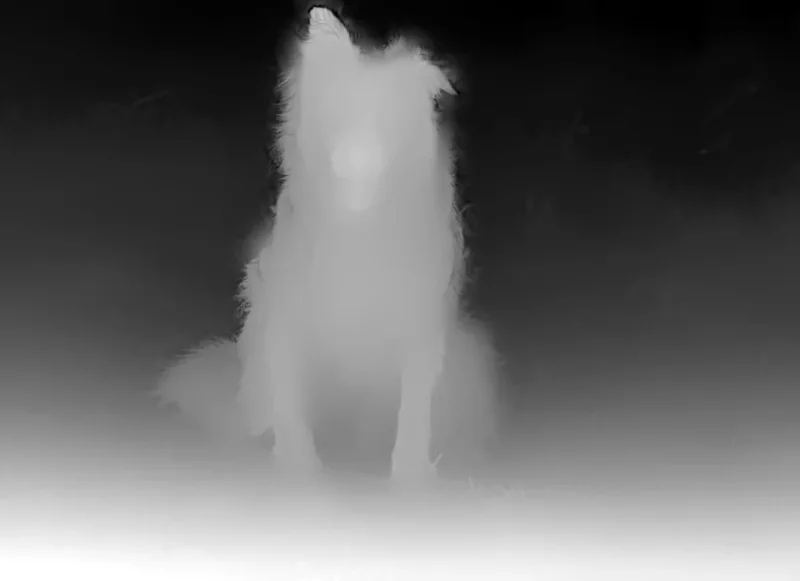 FreeDepth mapA photo into an 8- or 16-bit depth PNG for Blender or laser engraving.Open it
Make it move. Free.
No account, no upload, no watermark. Add a photo and download the GIF a few seconds later.
Create a GIF