Shaking GIF maker — make a photo shake
Gifsy's shaking GIF maker gives one photo a handheld, vibrating jitter (the reaction-GIF 'shook' look) on a loop that never jumps. Add a photo, set the speed and download a 480 × 480 GIF for Discord, Slack or anywhere else. Free, no sign-up, no watermark, and your photo stays in this tab.
Want the photo to move in real 3D, not a flat zoom? Try the 3D photo maker
↑ Add a photo to begin.
What the Shake effect does
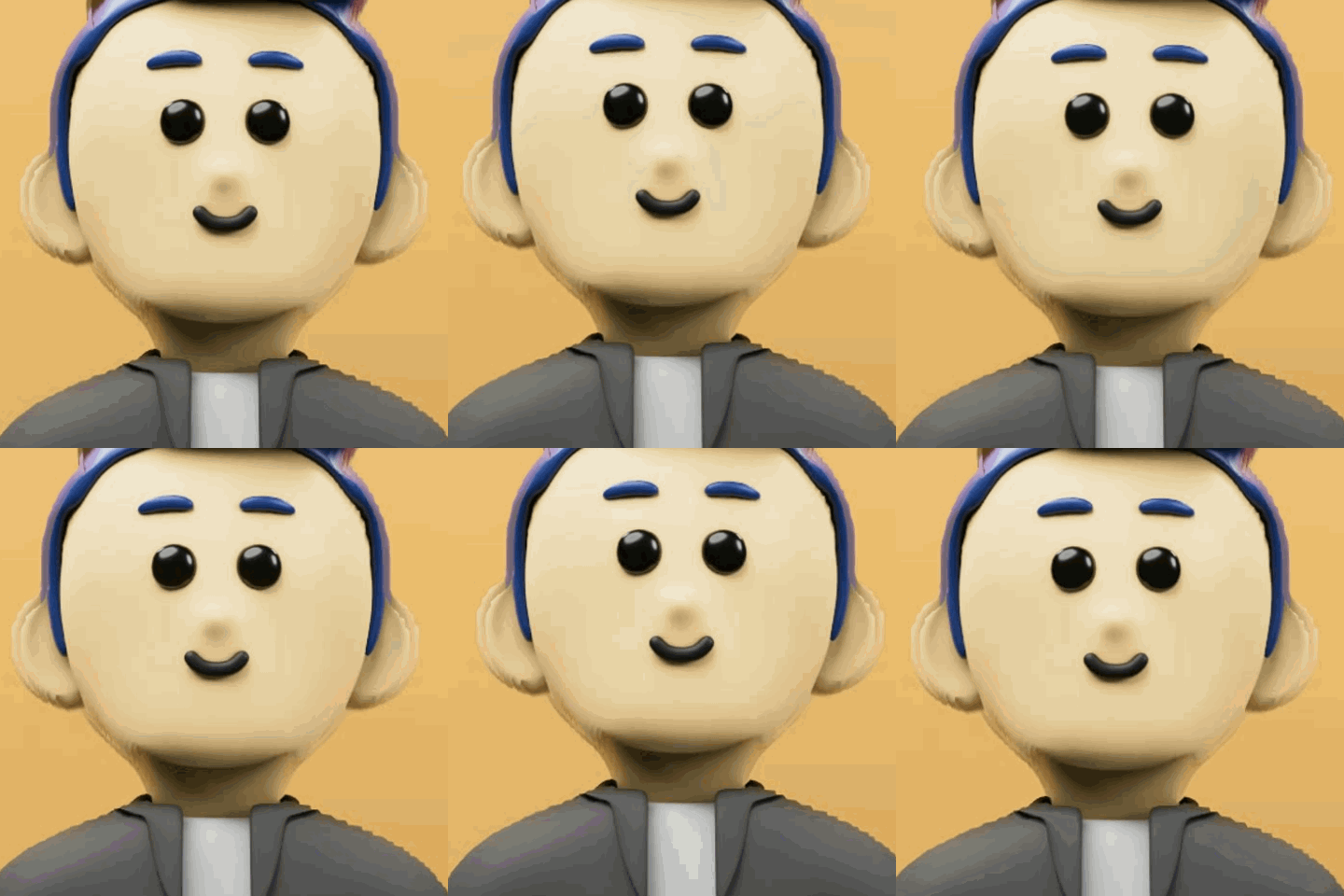
The photo moves sideways three times and up and down twice in each loop, by about 2% of the frame. The two rhythms don't line up, so it looks like an unsteady hand rather than a metronome, and both finish whole cycles, so the loop closes cleanly.
Movement
±2% of the frame
3 sideways, 2 vertical cycles per loop.
Crop
1.12×
Edges stay covered while it moves.
Loop
30 frames
About 1.5 s at 20 fps. Boomerang doubles it.
Output
480 × 480 GIF
Centre crop, one shared palette.
How to make a shake GIF
- 1
Add a photo
JPG, PNG or WebP. Keep the subject near the middle — the GIF is a square centre crop.
- 2
Shake is already picked
Set the speed (8–30 fps). Boomerang is off; turn it on to play the loop forward, then back.
- 3
Make GIF, then download
Frames render in your browser in seconds and save as animation.gif.
Photos that suit Shake
- Works best
- Reaction and meme images — shocked, angry, laughing
- Faces and characters filling the frame
- Alarm, error and 'breaking news' jokes
- High speed (24–30 fps) for a frantic shake
- Works worst
- Calm scenes you want to look calm
- Fine text, which blurs as it moves
- Photos under 480 px, which go soft at the 1.12× crop
- Anything meant to feel smooth — try Pulse instead
Questions
Sending it to Slack, Discord or GitHub? Check the GIF size limits. More on effects, speed and file size in how to animate a photo into a GIF.
How strong is the shake?
About 2% of the frame width. It moves on two rhythms at once — three cycles sideways and two up and down per loop — so it looks handheld rather than mechanical.
Can I make it shake harder?
The distance is fixed for now. Raising the speed slider makes it shake faster, which reads as more intense.
Will the shake loop without a jump?
Yes. Both rhythms finish whole cycles inside the 30 frames, so the last frame leads straight back into the first.
What are shaking GIFs used for?
Mostly reactions: being shocked, furious or laughing hard, plus alarm and error jokes. They work as a Discord or Slack reply the way a shaking emoji does.
Is it free, and is there a watermark?
Free, with no sign-up, no watermark and no limit on how many GIFs you make. The only paid thing on Gifsy is credits for the separate 3D model tool.
Is my photo uploaded?
No. The frames are drawn and the GIF is encoded by JavaScript in your browser tab; this tool has no upload endpoint. You can check in your browser's Network tab, or turn Wi-Fi off after your first GIF (which loads the encoder) and make another.
More GIF makers
Every effect is on the main GIF maker too — these pages just start with one set up. Starting from a clip instead? Try the MP4 and video to GIF maker.
- Zoom in GIF makerZoom range: 1.08× → 1.30× → 1.08×
- Bouncing GIF makerHop height: 7% of the frame
- Pulsing GIF makerSwell: 1.02× → 1.14× → 1.02×
- Spinning GIF makerRotation: 360° per loop
- Glitch GIF maker onlineColour split: 3–9 px
- Boomerang GIF makerInput: 3 or more photos
- Images to GIF makerPhotos: 2 or more
Make it move in real 3D
A GIF effect moves the whole picture. A 3D photo separates the subject from the background and lets a visitor tilt it on your page — real parallax from one photo, with an embed code for any website.